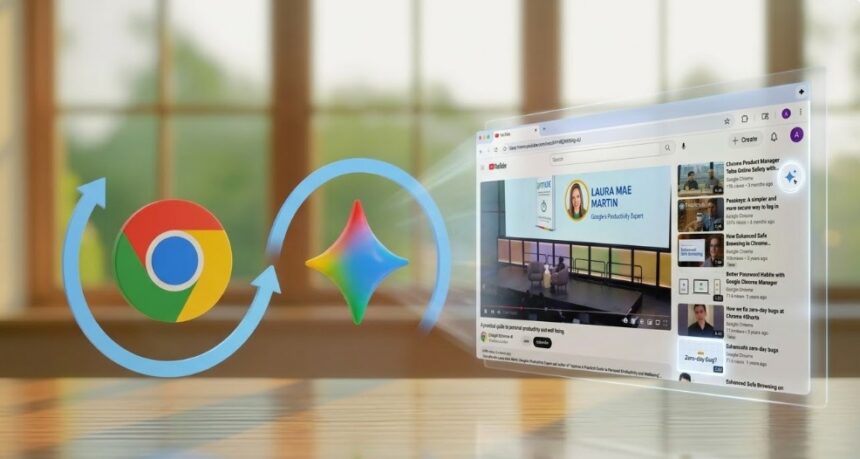
Wednesday, March 11, 2026: In a move that signals the end of the “tab-switching” era, Google has launched its most ambitious AI integration for Chrome to date. Starting today, users in India, Canada, and New Zealand can access the full suite of Gemini 3.1 features directly within their browser.
The update doesn’t just add a chatbot to the corner; it fundamentally re-architects how we interact with the web, turning Chrome from a viewing portal into an active, intelligent collaborator.
Google Brings One Sidebar, Endless Possibilities
The centerpiece of this update is the Gemini Side Panel. By clicking the new Gemini icon (or holding the power button on Android), users can open a persistent AI assistant that stays with them as they navigate the web.
The goal? To kill the “copy-paste tax.” Instead of jumping between a research paper and a separate AI tool, you can now chat with the page you’re currently reading.
- For Students: Imagine asking Gemini to “create a 10-question quiz based on this biology PDF” or “summarize this 40-page thesis into five key takeaways.”
- For Foodies: Browsing a complex recipe? You can instantly ask, “How do I make this gluten-free?” or “What’s a good substitute for heavy cream?” without ever leaving the page.
- For Researchers: Gemini can now “remember” your history. You can ask it to find that specific protein powder you looked at three days ago, allowing you to finally close those 50+ tabs you’ve been hoarding.
Breaking the Language Barrier with 50+ languages
Accessibility is a major pillar of this rollout. Google has introduced support for over 50 additional languages. This includes a massive boost for regional accessibility in India, with support for Hindi, Bengali, Gujarati, Kannada, Malayalam, Marathi, Telugu, and Tamil. Whether you are shopping in Montreal in French or researching in Madrid in Spanish, the AI speaks your language natively.
The “Nano Banana” Revolution: Instant Image Magic
One of the most futuristic additions is the integration of the Nano Banana 2 model. This allows for high-speed, professional-grade image editing directly inside the browser.
Previously, changing an image meant downloading a file, opening Photoshop or Canva, and re-uploading it. Now, you can simply type a prompt in the sidebar, like “change this sofa to emerald green” or “add a sunset to this travel photo”, and the AI modifies the image in real-time on your screen.
“Security by Design”: Keeping Your Data Locked Down
With AI capable of reading your browser content, security is the top concern. Google has implemented a multi-layered defense system to protect against “prompt injections”, malicious code hidden on websites designed to trick the AI into leaking your data.
A specialized User Alignment Critic model acts as a digital watchdog, vetting every action the AI proposes. Furthermore, Chrome will never take a “sensitive action”, like sending an email through the new Gmail integration or adding a meeting to your Calendar, without your explicit click of approval.